
Any Document, Rebuilt in Odoo: AI and Vision Make Custom PDFs Easy
Every company has a stack of documents with a specific look: a delivery note in a particular layout, an invoice with a logo in an exact spot, a packing list a warehouse team has used for years. When that company moves to Odoo, the instinct is often to treat matching that layout as a big, bespoke development project. It doesn't have to be.
Odoo's own template engine (QWeb) can render essentially any document layout you can describe. The hard part was never the ERP's ability to produce it. The hard part was translating an existing PDF or Excel form, with all its specific spacing, fields, and formatting, into that template in the first place, which used to mean someone manually rebuilding it field by field.
What's changed
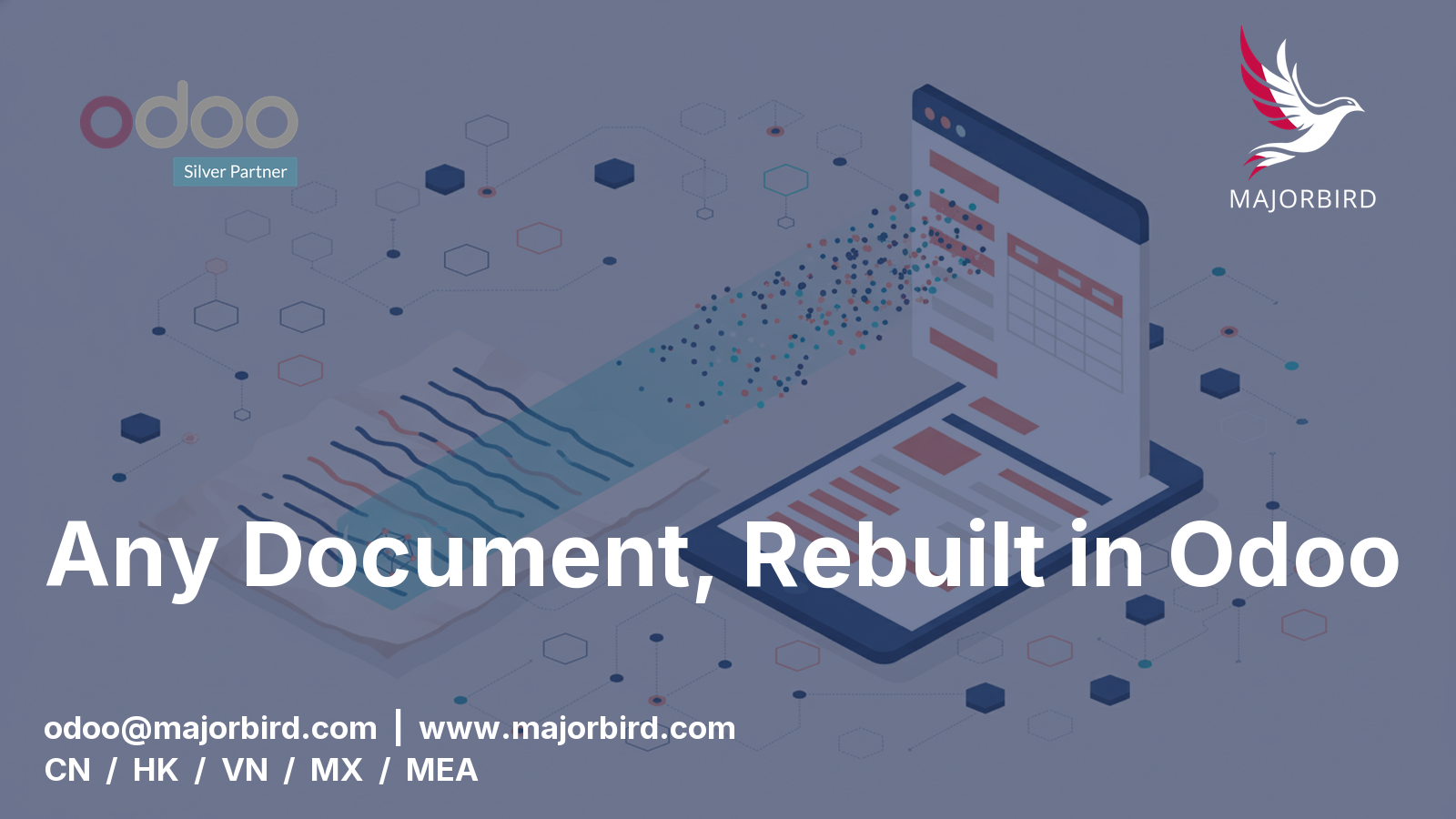
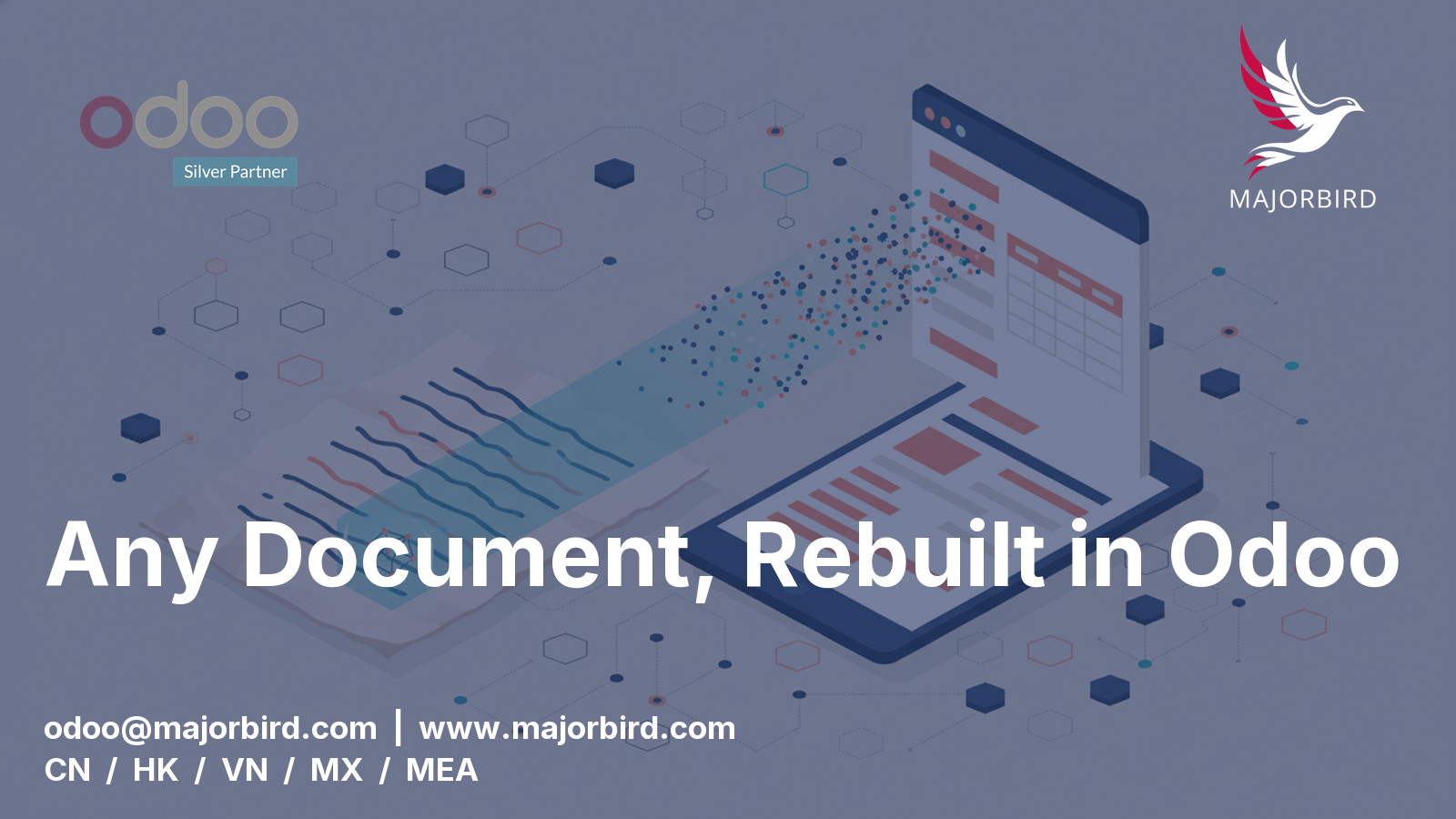
AI vision models can now read an existing document, a scanned form, an exported PDF, an old Excel template, and understand its structure: where the fields are, what data belongs where, how it's laid out. That means the starting point for a custom document is no longer a blank page and a written spec. It's the client's own existing form, read directly, and regenerated as a live Odoo template driven by real ERP data.
The result is the same document your team already recognizes, whether that's a delivery note, an invoice, or a packing list, except now it's populated automatically from Odoo instead of assembled by hand, and it updates the moment the underlying data changes.
Why this matters beyond convenience
Document formatting is exactly the kind of requirement that used to get deprioritized in an Odoo rollout, because it felt like polish rather than substance. But for many operations teams, "does the invoice look right" and "does the delivery note match what the warehouse expects" are not cosmetic, they're what makes the new system usable on day one instead of fought against for months. Making that step faster and cheaper removes a real source of go-live friction.
It also means a request that used to sound like "can you build us a custom report" now sounds like "here's our old form, can you make Odoo produce this", which is a much easier yes.
Our take
This is a genuinely useful shift, not a gimmick: AI reading an existing document and regenerating it as a proper, data-driven Odoo template turns a slow, fiddly customization into something fast. If your team has document formats you've been dreading rebuilding in Odoo, that conversation is worth having with Majorbird at odoo@majorbird.com or www.majorbird.com.
See how we build a private AI platform for your team.