Majorbird MES · Operator Terminal
Scan an order. The rest is guided.
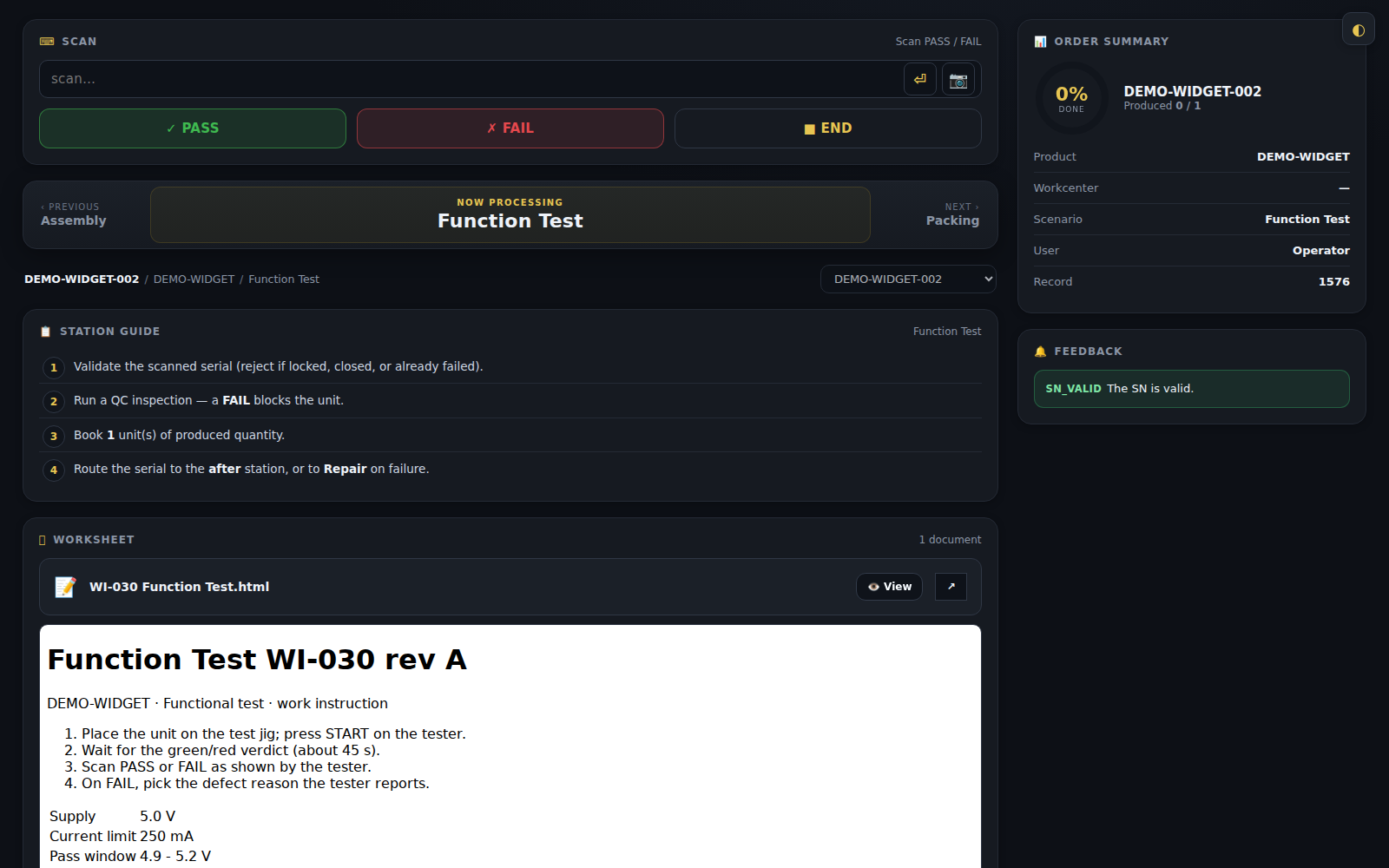
An operator scans an order or a unit, and the screen instantly loads the correct process for that product and station: step by step, with the next step unlocking only when the current one is done right.
Book a demo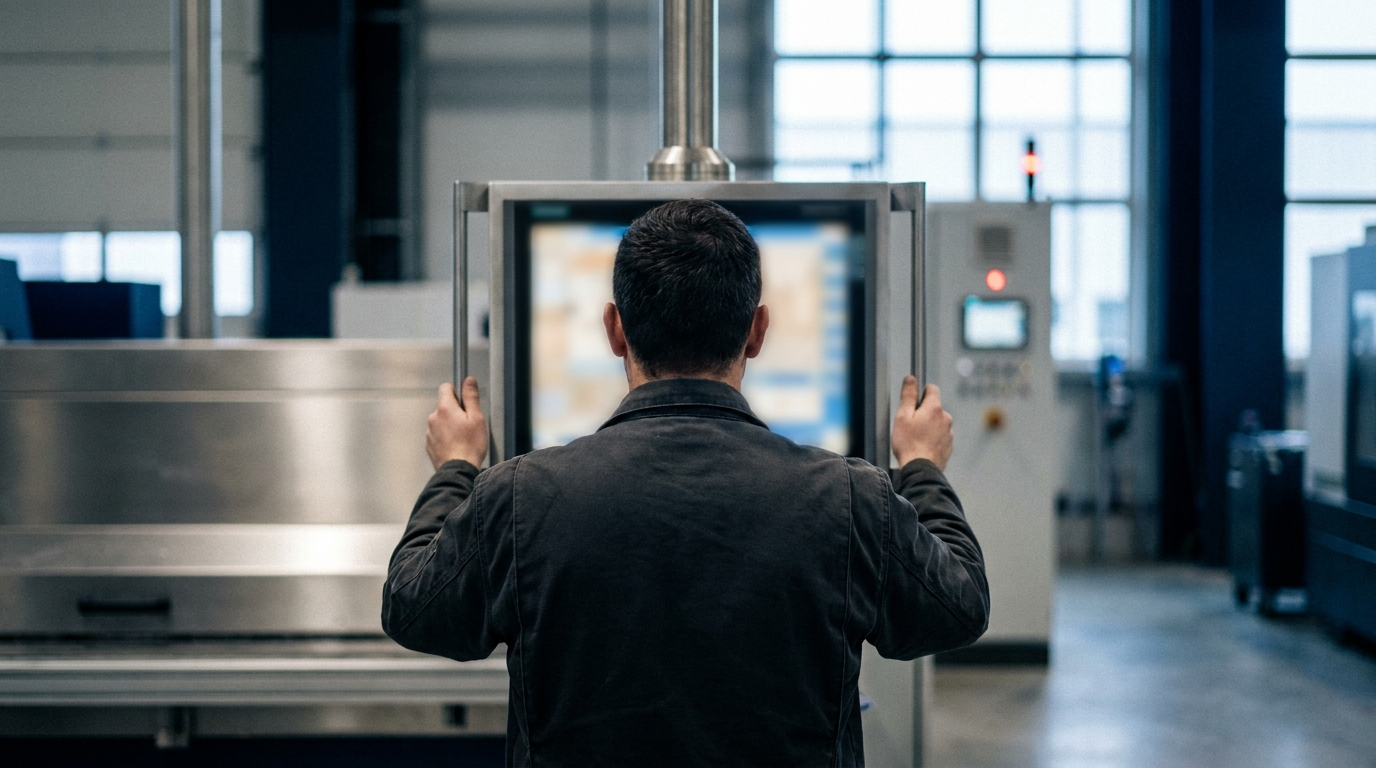
The problem
Paper travelers, tribal knowledge and "ask the person who knows" make every shift inconsistent and every new hire slow.
What Majorbird MES does
The terminal shows the one thing to do next, checks it, and moves on, so quality is consistent across every operator and every shift.
Why it matters
Zero ambiguity
The screen always shows the one thing to do next: nobody guesses.
Built for scanning
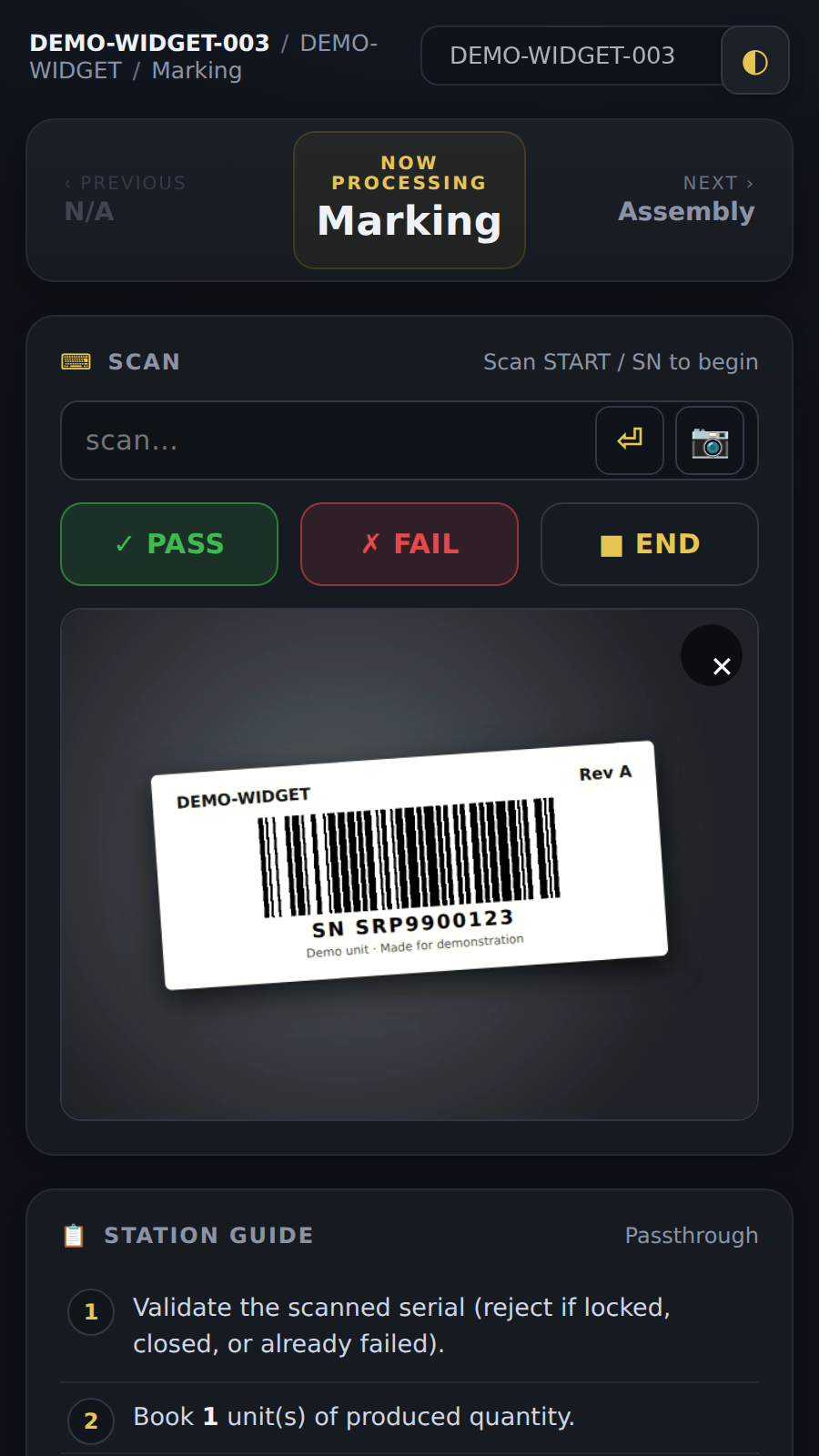
A barcode scanner or the device camera drives the whole flow, with minimal typing and fewer mistakes.
No accidental switching
To change work, operators scan a new order, deliberately, they can't wander off the job.
Any device
The operator screen guides each step on a tablet, workstation or phone. The management back office is available in English, Chinese and Spanish.
Work instructions at the station
The right instruction document opens next to the steps, so nobody hunts for a binder.
Mistakes stopped at the scan
Scan a unit that is already finished, already failed, or not yet due at this station, and the terminal rejects it on the spot, with the reason.
How it fits
Built on Odoo: it runs inside your Odoo ERP, or as its own instance kept in sync with your ERP. Nothing to rip out.